QR Code
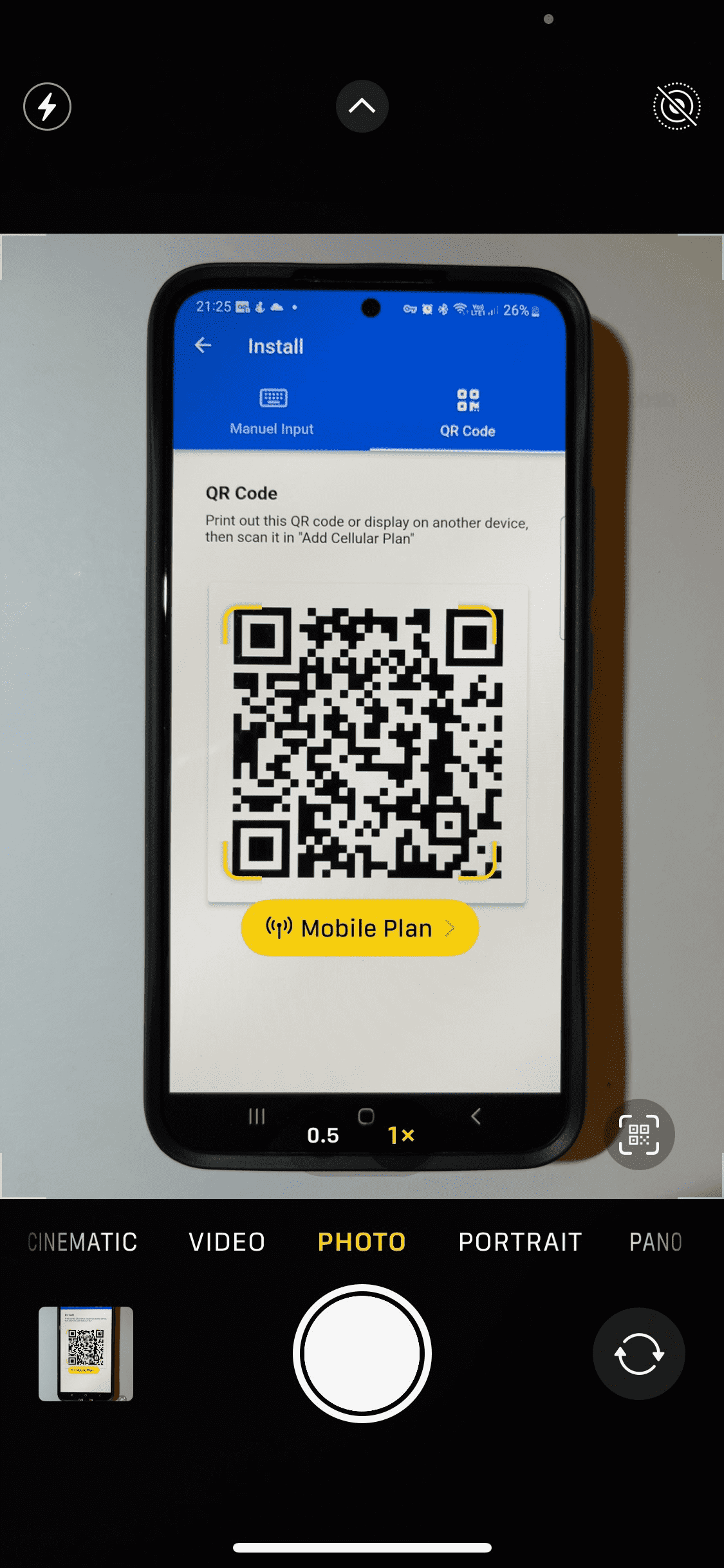
- Open the Camera app and point your phone at the QR code so the phone can see the full box.
- When the yellow "Mobile Plan" notification appears tap it.
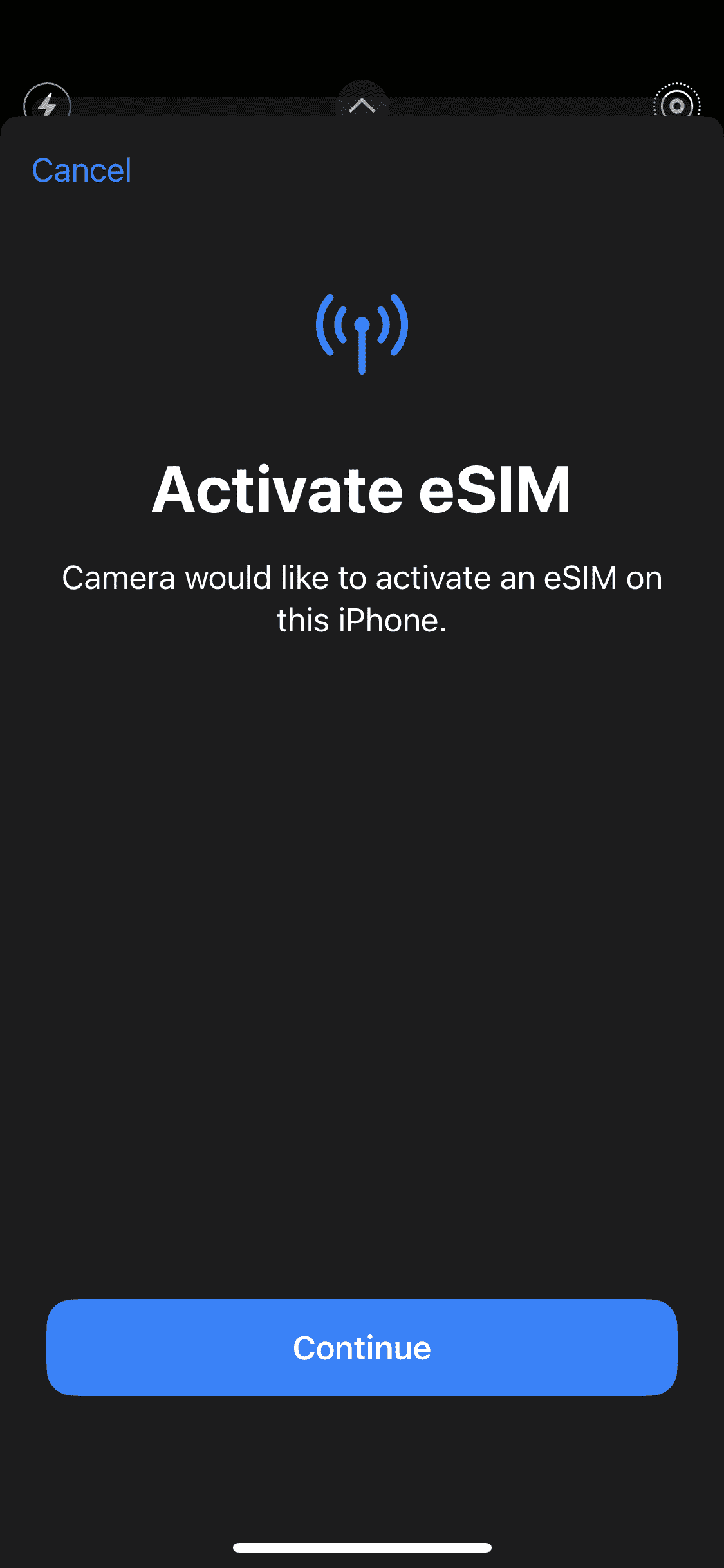
- Tap Continue, at the bottom of the screen to activate the eSIM.
Manuel Installation
- Go to Settings.
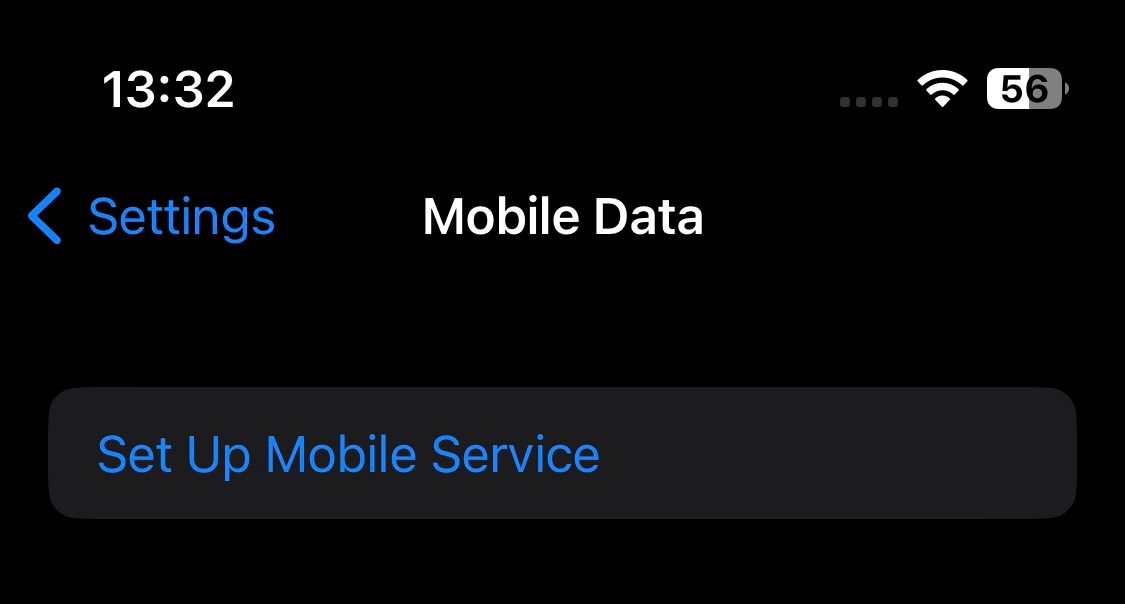
- Tap either Cellular (or "Mobile Data").
- Tap Add Mobile Data Plan (or "Set Up Mobile Service").
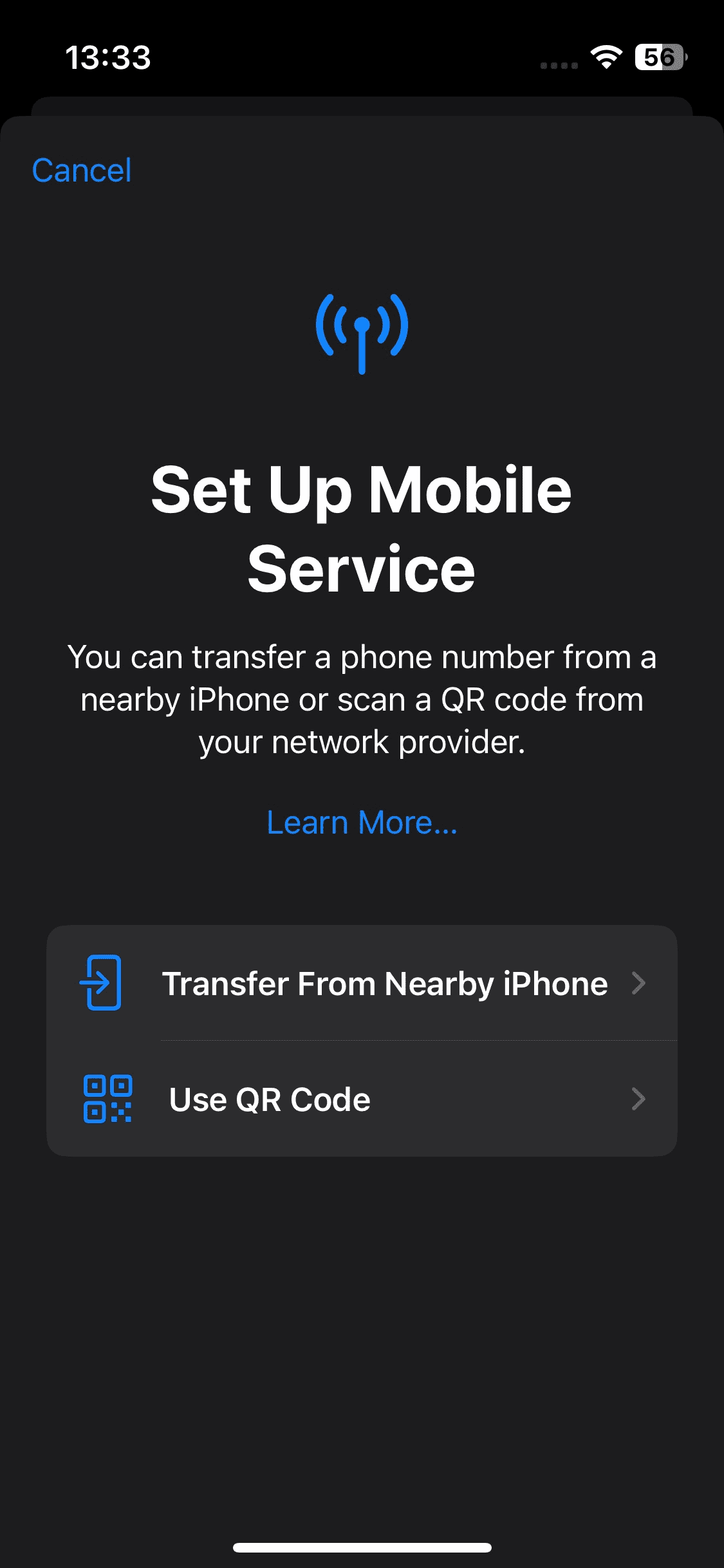
- Tap Use QR Code
- Tap Enter Details Manually, at the bottom of your iPhone screen.

- Copy the SM-DP+ address and activation code from the SIMPal app into the relevant fields.
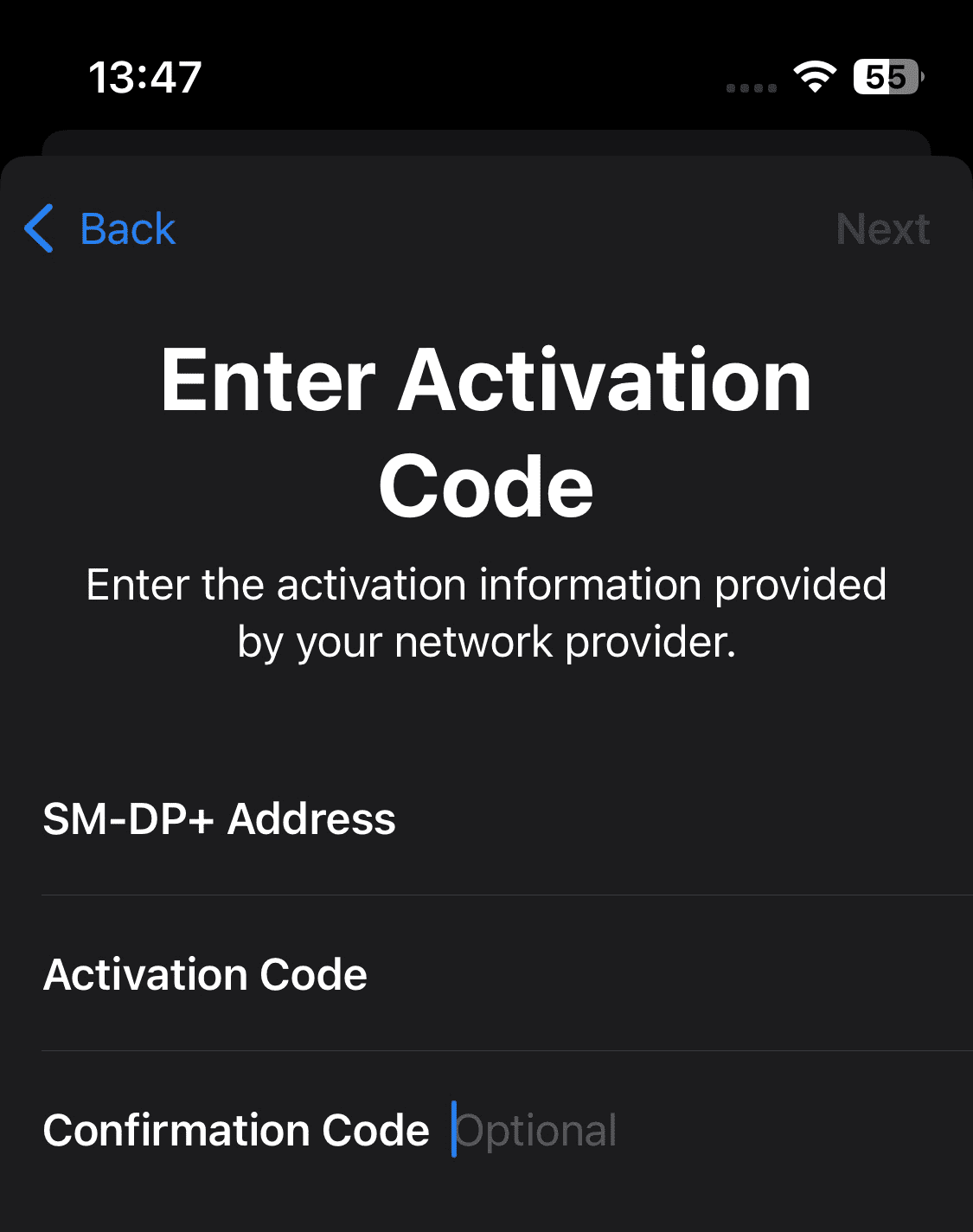
- Tap Next in the top right corner.